Improve Your Spacebar Speed: Simple Tips and Better Pressing Methods
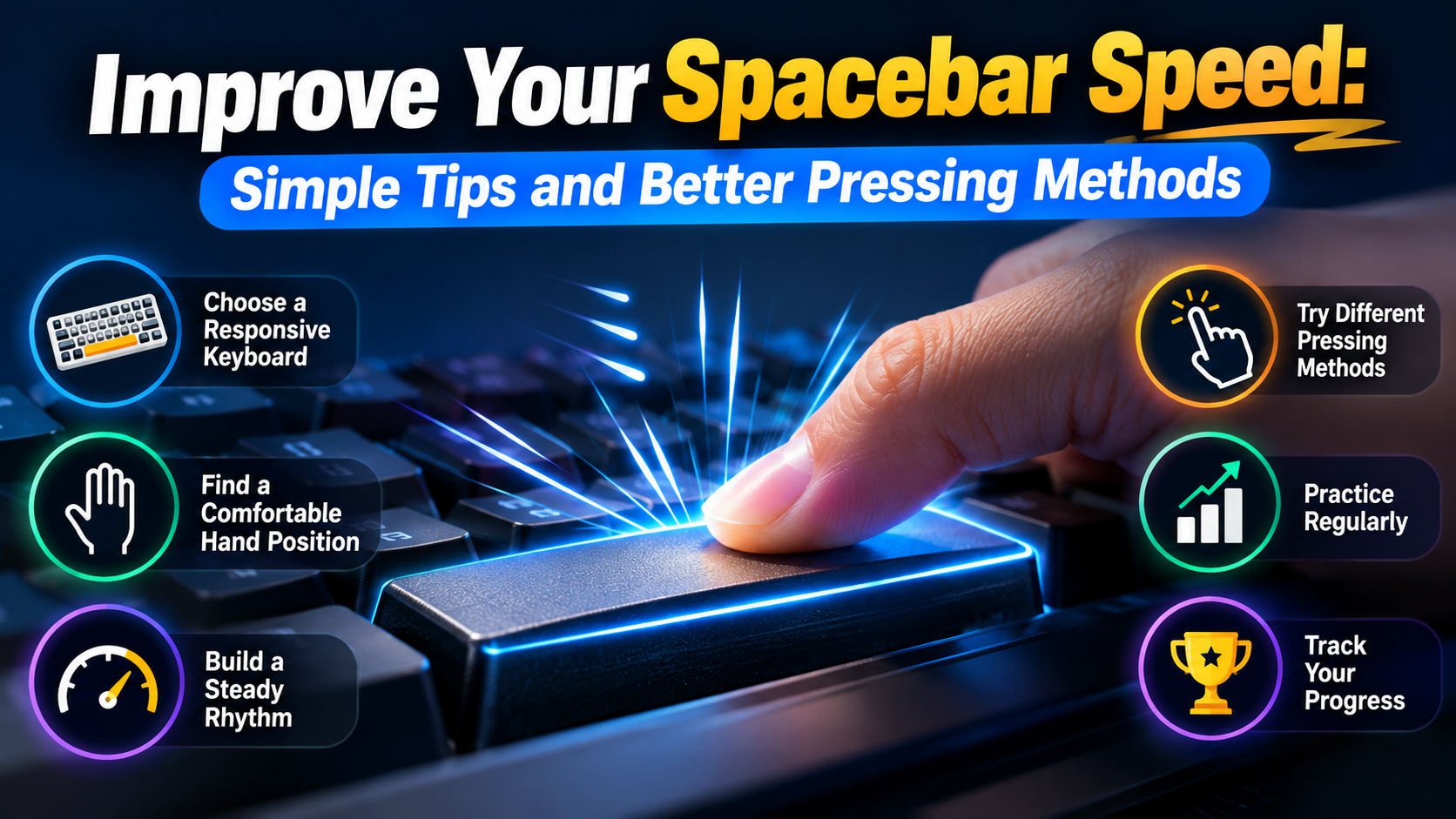
The spacebar may look like one of the easiest keys to press, but repeated pressing at high speed takes practice. Your finger needs to move quickly while keeping a steady rhythm. If you press too hard or lose control, your speed can drop.
When you want to measure your progress, a Space Bar Clicker gives you a simple way to test your pressing speed. You can choose a short test, press the key as many times as you can, and check your result when the timer ends. With regular practice, you can learn which hand position, keyboard, and pressing method work best for you.
The goal should not be to chase the biggest number on your first try. A better approach is to build speed slowly while keeping your movements comfortable and consistent.
Choose a Responsive Keyboard
Your keyboard can change how the spacebar feels. Some keyboards have a soft key action, while others feel more direct and responsive. Mechanical keyboards are popular with gamers because their switches can provide clear feedback. However, you do not need an expensive keyboard to practice. A clean and well-working keyboard can be enough.
Before starting a test, check that the spacebar moves normally and returns quickly after each press. Dust, crumbs, or other debris can affect the way a key moves.
For a better testing setup:
Keep the keyboard on a stable surface.
Make sure the spacebar is clean.
Use a keyboard that feels comfortable.
Avoid pressing harder than necessary.
Keep the keyboard in a position that allows your wrist to stay relaxed.
Learn the Main Spacebar Pressing Methods
Different players use different techniques when trying to increase their pressing rate. Some methods focus on one finger, while others use two fingers to create a faster rhythm.
1. Single-Thumb Tapping
Single-thumb tapping is the simplest method and is often the easiest technique for beginners. Place your thumb over the center or comfortable area of the spacebar. Press the key using a small downward movement and allow it to return before pressing again. The important part is to keep the movement short. You do not need to lift your entire hand between presses.
Tips for single-thumb tapping:
Keep your thumb close to the key.
Use light, controlled presses.
Avoid moving your wrist unnecessarily.
Start with a comfortable rhythm.
Increase speed only after your rhythm becomes stable.
This method may not produce the highest possible score for everyone, but it is easy to control and repeat.
2. Alternating-Finger Tapping
Alternating-finger tapping uses two fingers instead of relying on one finger for every press. For example, you can use your left thumb for one press and your right thumb for the next. The fingers then continue to alternate in a steady pattern. This technique can feel faster because each finger gets a short recovery period between presses. However, it also requires more coordination.
To practice this method:
Place both thumbs near the spacebar.
Press with the left thumb.
Follow with the right thumb.
Continue the left-right pattern.
Keep the movement small and controlled.
If the pattern feels uncomfortable, return to single-thumb tapping. Comfort and control are more important than forcing a technique.
3. Two-Finger Alternating Technique
Some players use two fingers from the same hand to alternate presses. This is similar to the alternating method but keeps the movement on one side of the spacebar. The goal is to create a quick and regular rhythm. Each finger handles alternate presses instead of making one finger do all the work.
This technique may take more practice because the fingers need to stay synchronized with the keyboard's response. Start slowly and make sure both fingers are registering separate presses. Once the movement feels natural, you can gradually increase your pace.
Build a Steady Rhythm
One of the biggest mistakes is trying to go as fast as possible during the first second. This can create uneven presses and make your hand tired quickly. Instead, begin at a speed you can control.
Focus on making every press clear and even. When your rhythm feels stable, slowly increase your pace. Think of the test as a rhythm challenge rather than a race. A steady pattern can help you maintain your speed throughout the entire test.lts.
Practice With Short Sessions
You do not need to practice for a long time. Short sessions can help you stay focused without making your hands overly tired. Try three to five attempts during one practice session. Take a short break between attempts and compare your results.
For example:
Attempt 1: 5.8 presses per second
Attempt 2: 6.1 presses per second
Attempt 3: 6.0 presses per second
Instead of focusing only on the 6.1 result, look at the average. This gives you a better idea of your normal performance.
Test Different Time Limits
Changing the test length can show different parts of your performance. A short test measures a quick burst of speed. A longer test shows how well you can maintain your rhythm.
Try several durations, such as:
5 seconds: Good for short speed bursts.
10 seconds: Useful for comparing quick attempts.
30 seconds: Tests rhythm and consistency.
60 seconds: Places more focus on maintaining your pace.
If your speed is high at the start but falls later, work on consistency instead of making your first few seconds extremely fast.
Improve Accuracy Along With Speed
Fast pressing is useful only when the keyboard registers the inputs correctly. Random or poorly controlled movements can lead to missed presses. Watch your results after each attempt. If your speed increases but your scores become less stable, slow down and work on control.
This is especially useful for gamers. Keyboard performance involves more than pressing speed. Timing, accuracy, reaction time, movement, decision-making, and game awareness all matter during real gameplay.
Track Your Progress
Keeping a simple record can make practice more useful. Write down your test duration, total presses, and average rate after each session. Then compare your results over several days. Look for steady improvement instead of expecting a large increase every time.
A simple progress plan can look like this:
Find your normal average.
Set a small target above it.
Use the same test duration.
Try several attempts.
Calculate your average.
Compare it with your previous sessions.
Raise your target when your current score becomes consistent.
This gives every practice session a clear purpose.
Do Not Chase Extreme Scores
Online challenges can make you want to beat every record immediately. However, an extreme score is not always a sign of better technique. A controlled score that you can repeat is more useful than one unusually high attempt. This is similar to how typing speed and accuracy are measured together, rather than judging performance from speed alone.
Your keyboard, browser, test duration, and pressing method can all affect the final number. For fair comparisons, keep your testing conditions similar. Use the same keyboard and test duration when possible.
Turn Practice Into a Challenge
Improving your spacebar speed does not have to feel like serious training. You can challenge friends, create personal goals, or try to beat your previous average.
For a fair competition:
Choose the same test duration.
Use similar testing conditions.
Give everyone the same number of attempts.
Compare average scores.
Keep track of personal records.
You can also create small milestones instead of chasing a huge score. For example, if your average is 6 presses per second, set your next goal at 6.5 rather than trying to double your score immediately.
Final Thoughts
Improving your spacebar speed is mainly about finding a comfortable technique and practicing it with control. A responsive keyboard can help, but your hand position, rhythm, pressing method, and practice routine also affect your results.
Start with single-thumb tapping if you want a simple technique. If you want to experiment with faster rhythms, try alternating-finger tapping or the two-finger alternating technique. Test each method several times and compare your average results.
Keep your movements small, stay relaxed, and increase your speed gradually. Most importantly, do not ignore discomfort just to achieve a higher score. With regular and controlled practice, you can build a more consistent pressing rhythm and make every spacebar challenge more enjoyable.